
Detecting Website Changes: Visual vs Text-Based Monitoring Explained
SiteChangeTracker Team
Website Monitoring Experts

Two Approaches to Change Detection
When monitoring websites for changes, two fundamental approaches exist: visual monitoring and text-based monitoring. Each has distinct strengths and ideal use cases. Understanding these differences helps you implement more effective monitoring strategies.
Visual Monitoring Explained
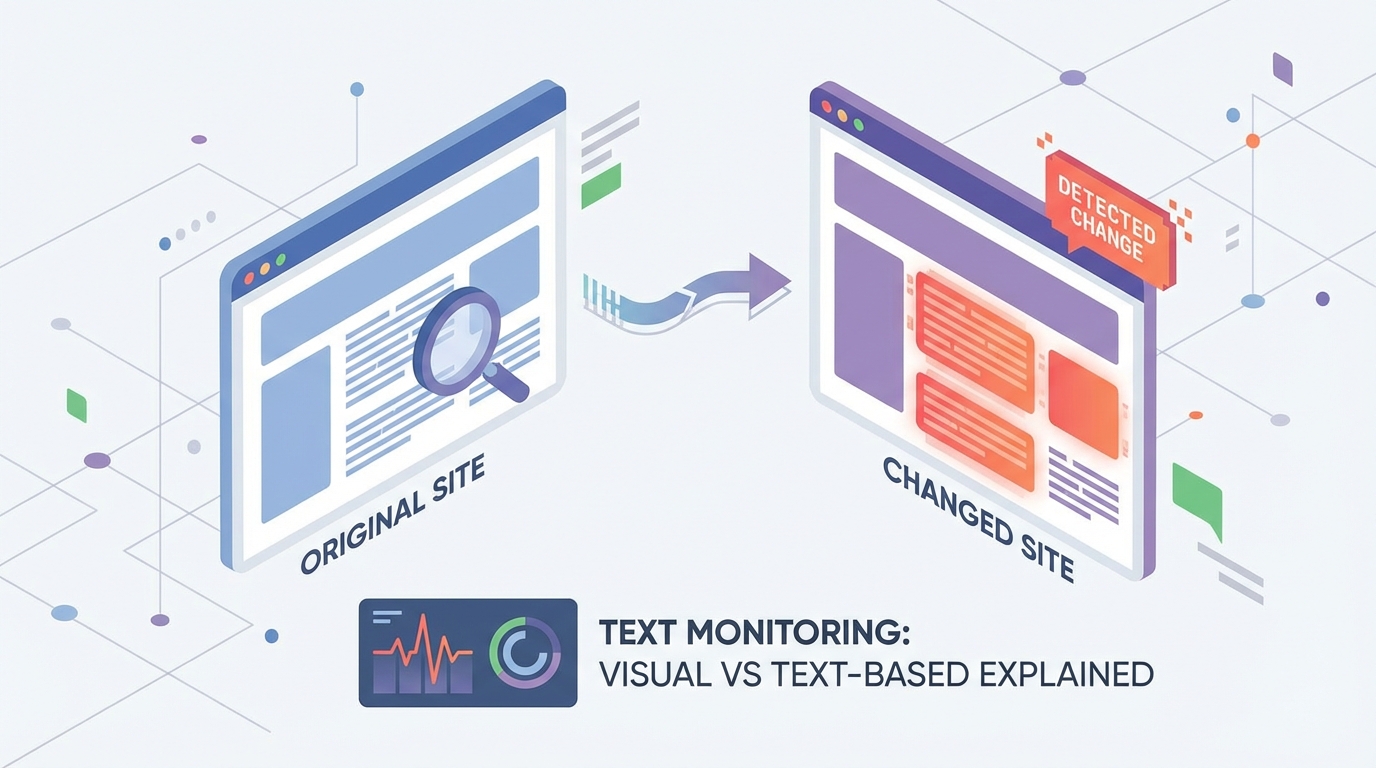
Visual monitoring, also called screenshot monitoring or pixel-based comparison, captures images of web pages and compares them over time. When pixels differ between captures, the system detects a change.
How Visual Monitoring Works
1. The system renders the webpage in a browser environment 2. A screenshot captures exactly what a user would see 3. Subsequent captures are compared pixel-by-pixel 4. Differences above a threshold trigger alerts 5. Visual diff highlights show exactly what changed
Strengths of Visual Monitoring
Catches design changes: Visual monitoring excels at detecting layout shifts, colour changes, new images, and design modifications that text-based systems miss entirely.
No technical knowledge required: You don't need to understand HTML or CSS to interpret visual changes. If it looks different, the system detects it.
Captures dynamic content: JavaScript-rendered content, animations at rest, and dynamically loaded elements all appear in screenshots.
Intuitive comparison: Side-by-side visual comparisons make it immediately clear what changed, even for complex pages.
Limitations of Visual Monitoring
Sensitive to irrelevant changes: Dynamic elements like timestamps, rotating banners, or personalised content can trigger false positives.
Computationally intensive: Rendering full pages and comparing images requires more resources than text comparison.
Can miss hidden changes: Changes to text within similar visual layouts might not be obvious in visual comparison.
Resolution dependent: Screenshot size and rendering settings affect detection sensitivity.
Text-Based Monitoring Explained
Text-based monitoring extracts and compares the textual content of web pages. This includes visible text, HTML structure, and sometimes metadata.
How Text-Based Monitoring Works
1. The system fetches the page's HTML content 2. Text is extracted and normalised 3. Subsequent fetches are compared character-by-character or word-by-word 4. Differences are highlighted in a diff format 5. Changes to specific text elements trigger alerts
Strengths of Text-Based Monitoring
Precise content tracking: Every word change is detected, making this ideal for monitoring pricing, terms, or specific claims.
Lower resource usage: Text comparison is computationally lightweight, enabling more frequent checks.
Structured analysis: Changes can be categorised by type (additions, deletions, modifications) and location.
Less noise from design changes: Purely visual changes don't trigger alerts, reducing false positives for content-focused monitoring.
Limitations of Text-Based Monitoring
Misses visual changes: A completely redesigned page with identical text won't trigger an alert.
May miss JavaScript content: Dynamically loaded text might not be captured depending on implementation.
Requires interpretation: Diff output can be technical and harder to quickly understand than visual comparison.
Can be affected by structural changes: HTML reorganisation might appear as massive changes even when visible content is unchanged.

Choosing the Right Approach
Use Visual Monitoring When:
- Design matters: Tracking competitor landing page designs, promotional banners, or visual branding changes
- Overall appearance is key: Monitoring your own sites for unexpected visual issues
- Content is visually complex: Pages with infographics, charts, or image-heavy layouts
- You need quick interpretation: When non-technical team members will review changes
Use Text-Based Monitoring When:
- Specific text matters: Tracking pricing, terms of service, product descriptions, or legal disclaimers
- Volume is high: Monitoring many pages where visual processing would be expensive
- Precision is critical: Need to catch every word change, however small
- Integration is needed: Feeding change data into other systems programmatically
Combine Both When:
- Comprehensive monitoring is required: Important competitor pages where you can't afford to miss anything
- Different stakeholders have different needs: Marketing wants visual comparison; legal wants text tracking
- Initial monitoring of unknown pages: Until you understand what types of changes occur
Practical Implementation Tips
For Visual Monitoring
Configure appropriate thresholds: Small pixel differences (under 1%) are often irrelevant noise. Set thresholds that catch meaningful changes without constant alerts.
Handle dynamic elements: Exclude or mask page regions with timestamps, ads, or personalised content that change independently of meaningful updates.
Consider viewport settings: Monitor at resolutions that match your analysis needs. Mobile and desktop views may differ significantly.
Archive screenshots: Historical screenshots provide valuable context for understanding change patterns over time.
For Text-Based Monitoring
Focus on relevant sections: Rather than monitoring entire pages, target specific elements like price containers, headline text, or feature lists.
Normalise appropriately: Decide whether whitespace changes, capitalisation differences, or punctuation variations matter to your use case.
Consider HTML vs rendered text: Choose between monitoring raw HTML (catches structural changes) or extracted visible text (cleaner but may miss some changes).
Set up smart alerts: Configure alerts for specific keywords or patterns rather than any change, especially on frequently updating pages.
Real-World Examples
E-commerce Price Monitoring
Best approach: Text-based monitoring of specific price elements
Why: Prices are text that changes frequently. Visual monitoring would catch irrelevant banner changes alongside price updates.
Competitor Landing Page Tracking
Best approach: Visual monitoring with text backup
Why: Design changes signal A/B tests and campaign shifts. Visual comparison shows what customers see.
Terms of Service Monitoring
Best approach: Text-based monitoring with word-level diff
Why: Legal implications of text changes require precise tracking. Visual appearance is secondary.
Brand Website Monitoring
Best approach: Both visual and text
Why: Need to ensure nothing unexpected changes—both design integrity and content accuracy matter.
Conclusion
Neither visual nor text-based monitoring is universally superior. The best approach depends on what you're monitoring and why. Many sophisticated monitoring strategies combine both methods, using visual monitoring for design-focused tracking and text-based monitoring for content-specific alerts.
Start by clearly defining what changes matter to your goals, then select the monitoring approach—or combination of approaches—that best addresses those needs.
Ready to Monitor Your Competitors?
Start tracking competitor websites today with SiteChangeTracker. Get instant alerts when prices change, features launch, or content updates—all automatically.
No credit card required • Cancel anytime