Real-Time Alerts: Never Miss a Competitor Update Again
SiteChangeTracker Team
Website Monitoring Experts
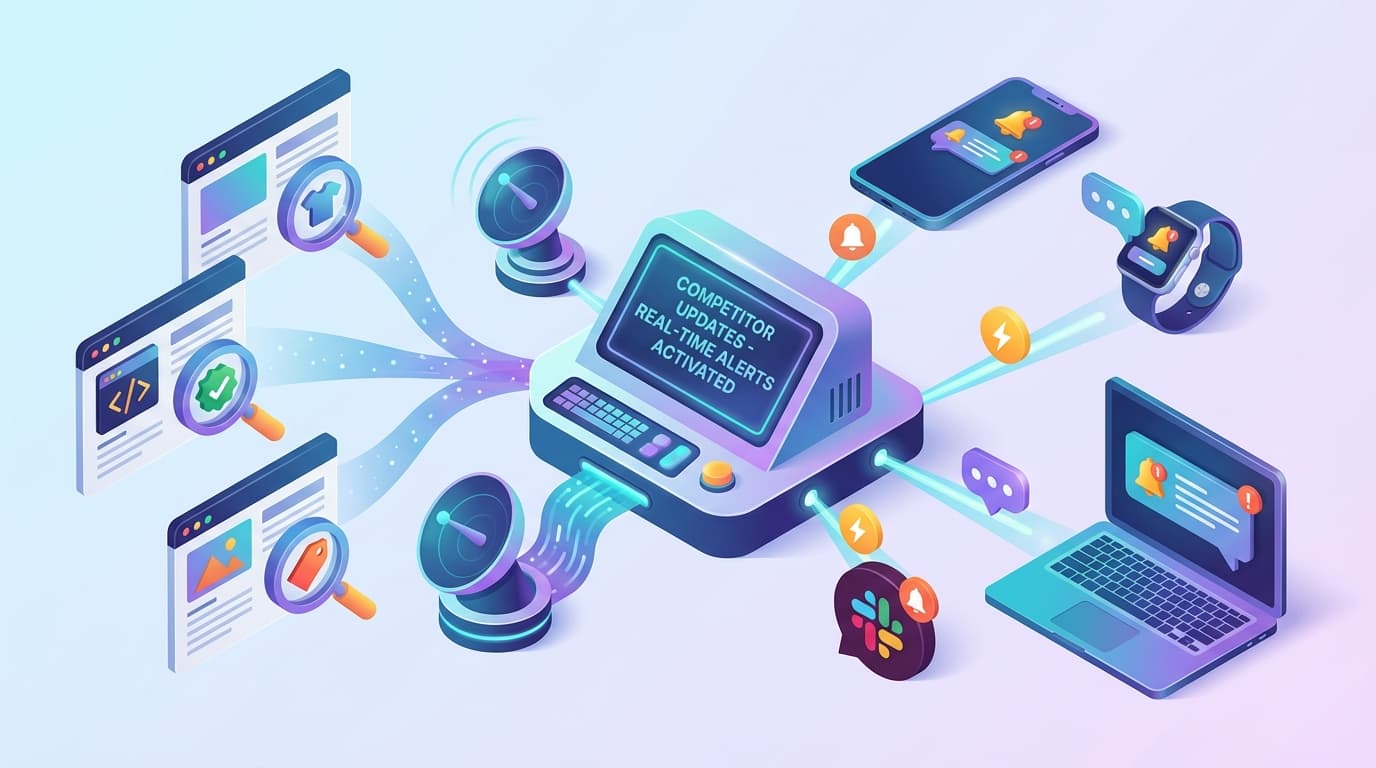
The Speed Advantage
In fast-moving markets, the first to know often gains a significant advantage. When a competitor drops their prices, launches a new feature, or changes their messaging, every hour of delay in your response represents potential lost opportunity.
Real-time alerts transform competitive monitoring from a periodic activity into continuous awareness. Rather than discovering competitor changes days or weeks later, you learn about them within minutes.
Understanding Alert Channels
Modern monitoring solutions offer multiple notification channels, each with distinct advantages:
Email Alerts
Best for: Detailed change information, team distribution, record-keeping
Advantages:
- Rich content including screenshots and comparisons
- Easy to forward and share
- Creates automatic documentation trail
- Works across all devices
- May get lost in busy inboxes
- Not ideal for time-critical alerts
- Requires email checking habits
Slack/Teams Integration
Best for: Team awareness, quick discussion, fast response
Advantages:
- Instant visibility to relevant team members
- Enables immediate discussion
- Integrates with existing workflows
- Searchable team record
- Requires team adoption of the platform
- Can contribute to notification overload
- Less detailed than email
SMS/Text Messages
Best for: Critical alerts requiring immediate attention
Advantages:
- Highest urgency and visibility
- Works even without internet
- Impossible to ignore
- Limited content length
- Expensive at scale
- Can be intrusive if overused
Discord and Telegram
Best for: Teams already using these platforms, community awareness
Advantages:
- Free and flexible
- Good bot integration
- Works well for distributed teams
- Requires platform adoption
- May not be enterprise-approved
Webhook/API Integration
Best for: Custom workflows, automated responses, system integration
Advantages:
- Unlimited flexibility
- Enables automated actions
- Integrates with any system
- Requires technical implementation
- Needs maintenance and monitoring
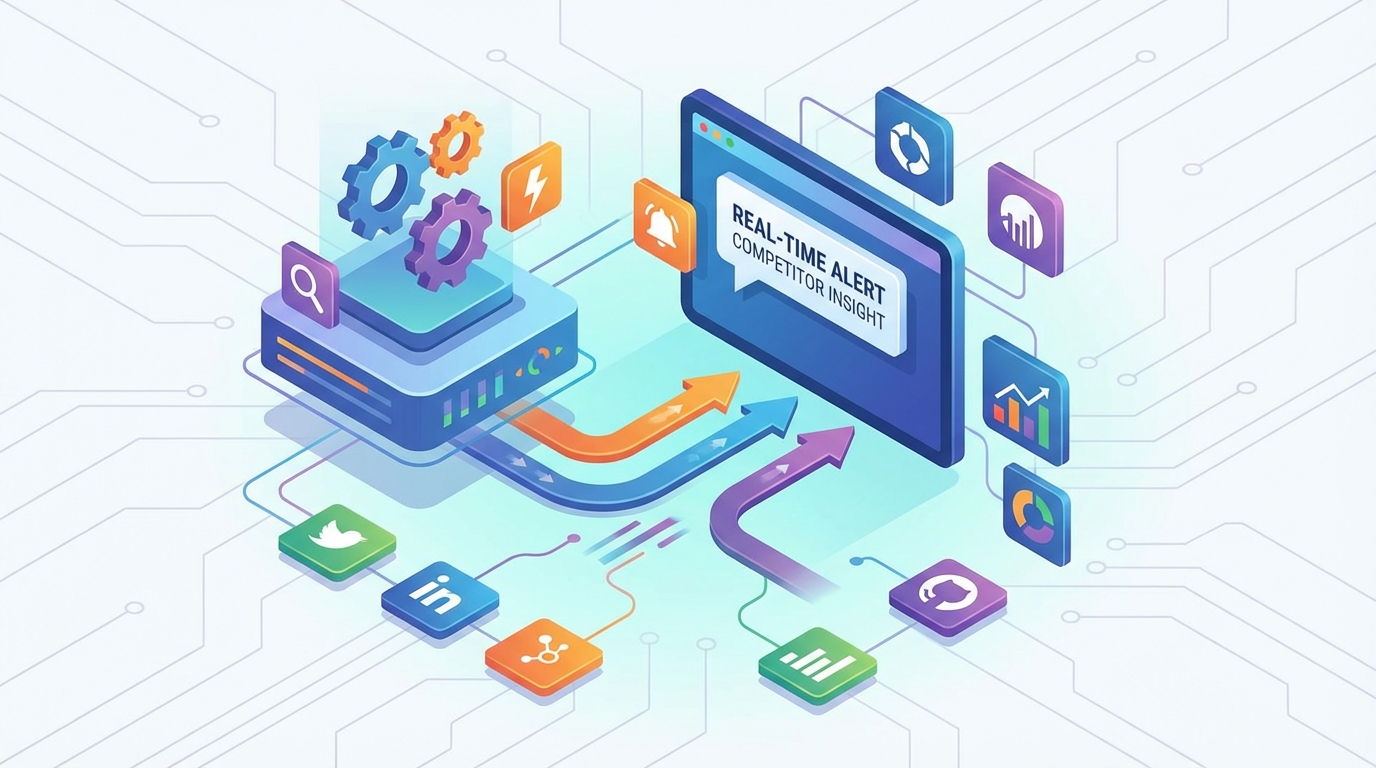
Designing Effective Alert Strategies
Segment by Urgency
Not all changes require the same response speed. Design tiered alerts:
Critical (Immediate):
- Competitor price drops below your price
- Major feature announcements
- Significant homepage changes
- Pricing page updates
- New landing pages
- Feature list modifications
- Blog post publications
- Minor content changes
- Documentation updates
Route to the Right People
Different changes matter to different teams:
- Pricing changes → Sales, Product, Executive
- Feature updates → Product, Engineering
- Marketing changes → Marketing, Brand
- Legal/terms updates → Legal, Compliance
- Technical docs → Engineering, Support
Configure Smart Thresholds
Avoid alert fatigue with appropriate thresholds:
Visual monitoring:
- Set pixel change thresholds (e.g., alert only if >2% of page differs)
- Exclude dynamic regions (ads, timestamps)
- Consider time-of-day rules
- Define minimum change size (e.g., >10 words changed)
- Focus on specific elements rather than entire pages
- Filter out boilerplate changes
Implementation Best Practices
Start Conservative
Begin with fewer alerts and expand:
- Monitor fewer pages initially
- Use higher thresholds
- Alert fewer people
- Expand as you calibrate
Create Alert Rules
Document what triggers what:
| Change Type | Channel | Recipients | Threshold |
|---|---|---|---|
| Price decrease | SMS + Slack | Sales Lead, PM | Any decrease |
| New feature page | Product Team | New page detected | |
| Homepage change | Slack | Marketing | >5% visual change |
| Terms update | Legal | Any text change |
Test Your Configuration
Before relying on alerts:
- Verify each channel works
- Confirm recipients receive notifications
- Test threshold sensitivity
- Run through response procedures
Review and Refine
Regularly evaluate your alert system:
- Are you catching important changes?
- Are you getting too many false positives?
- Do alerts reach the right people?
- Is response time acceptable?
Handling Alert Fatigue
Alert fatigue—when too many notifications cause people to ignore them—is the enemy of effective monitoring.
Symptoms of Alert Fatigue
- Team members ignoring or muting alerts
- Important changes buried in noise
- Declining response rates to notifications
- Complaints about notification volume
Solutions
Reduce volume:
- Narrow monitoring scope
- Increase change thresholds
- Use digests instead of individual alerts
- Better page targeting
- Smarter filtering rules
- More specific alert routing
- Priority levels for different change types
- Visual indicators of significance
- Summary information in alert headlines
Real-Time Response Workflows
Alerts are only valuable if they lead to action. Design response workflows:
For Price Changes
1. Alert received by Sales Lead 2. Verify change on competitor site 3. Assess impact on active opportunities 4. Determine response (match, hold, differentiate) 5. Communicate decision to team 6. Update pricing if needed
For Feature Launches
1. Alert received by Product Manager 2. Review competitor feature in detail 3. Assess competitive impact 4. Document in competitive tracking 5. Brief relevant stakeholders 6. Update roadmap if warranted
For Marketing Changes
1. Alert received by Marketing Lead 2. Analyse messaging and positioning shift 3. Capture creative assets 4. Evaluate implications 5. Share with brand team 6. Consider response campaigns
Measuring Alert Effectiveness
Track these metrics:
- Alert-to-action time: How quickly do alerts lead to decisions?
- False positive rate: What percentage of alerts are irrelevant?
- Coverage rate: Are important changes being caught?
- Response rate: Are alerts being acted upon?
Getting Started
Set up your first real-time alerts:
1. Identify one critical competitor page (e.g., their pricing page) 2. Configure monitoring with a reasonable threshold 3. Set up alerts through your preferred channel 4. Define who should respond and how 5. Test the complete workflow 6. Expand to additional pages and competitors
Real-time alerts transform competitive intelligence from periodic research into continuous awareness—ensuring you never miss an important competitor move.
Ready to Monitor Your Competitors?
Start tracking competitor websites today with SiteChangeTracker. Get instant alerts when prices change, features launch, or content updates—all automatically.
No credit card required • Cancel anytime